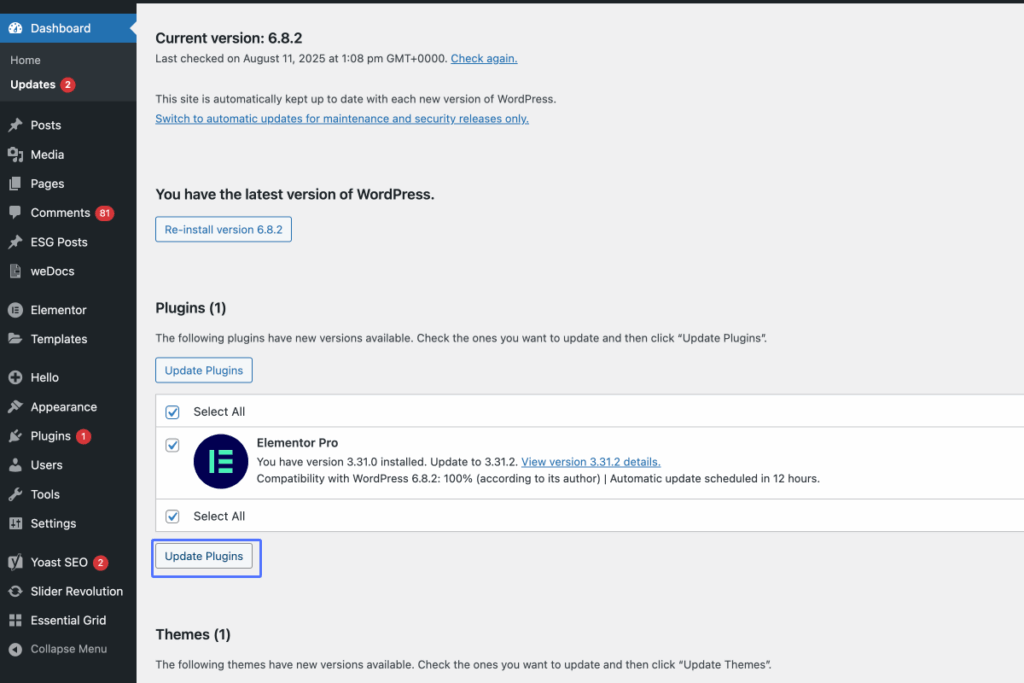
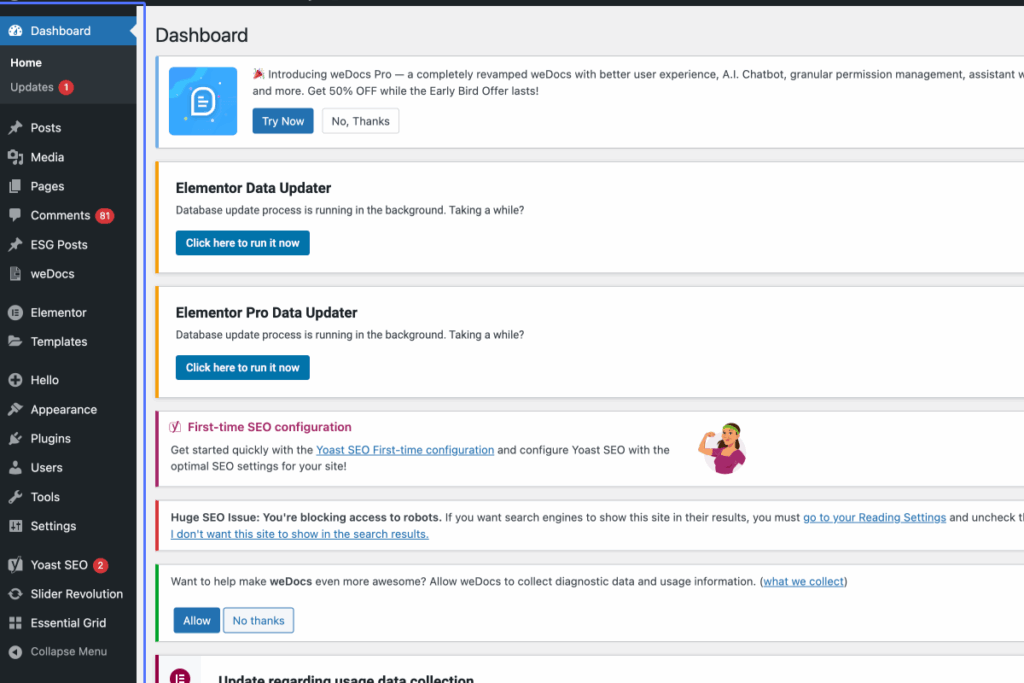
Click on “Dashboard Home Updates 1 Posts All Posts Add Post Categories Tags Media Library Add Media File …”
Start urlhttps://nzuzaarchitects.co.za/wp-admin/index.php
Tab Name: Dashboard ‹ Nzuza Architects — WordPress
2
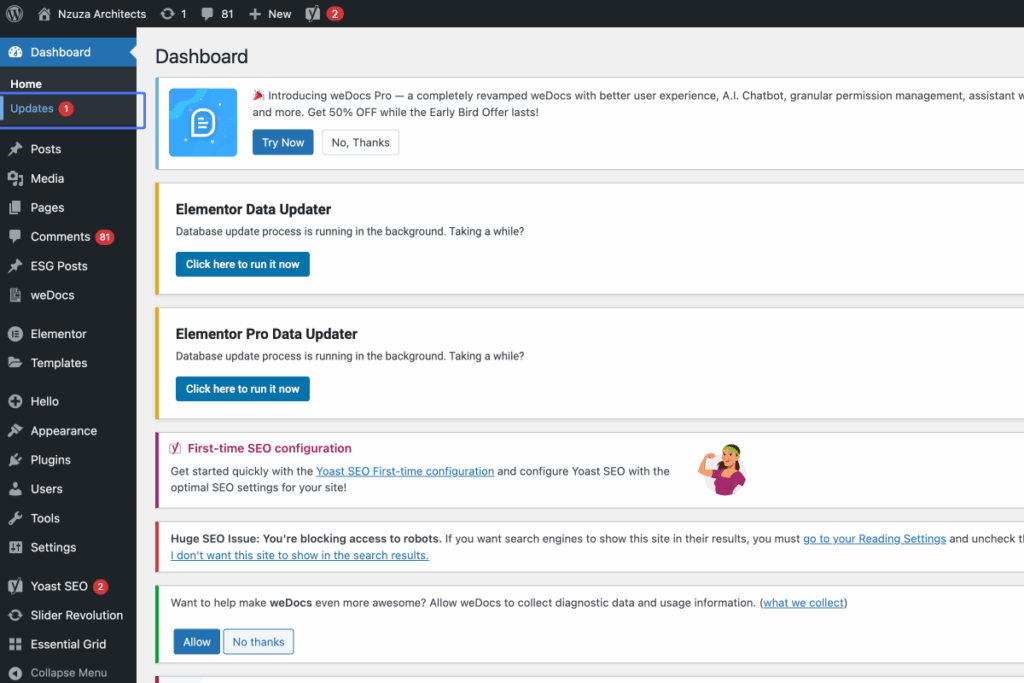
Click on the link “Updates 1”
3
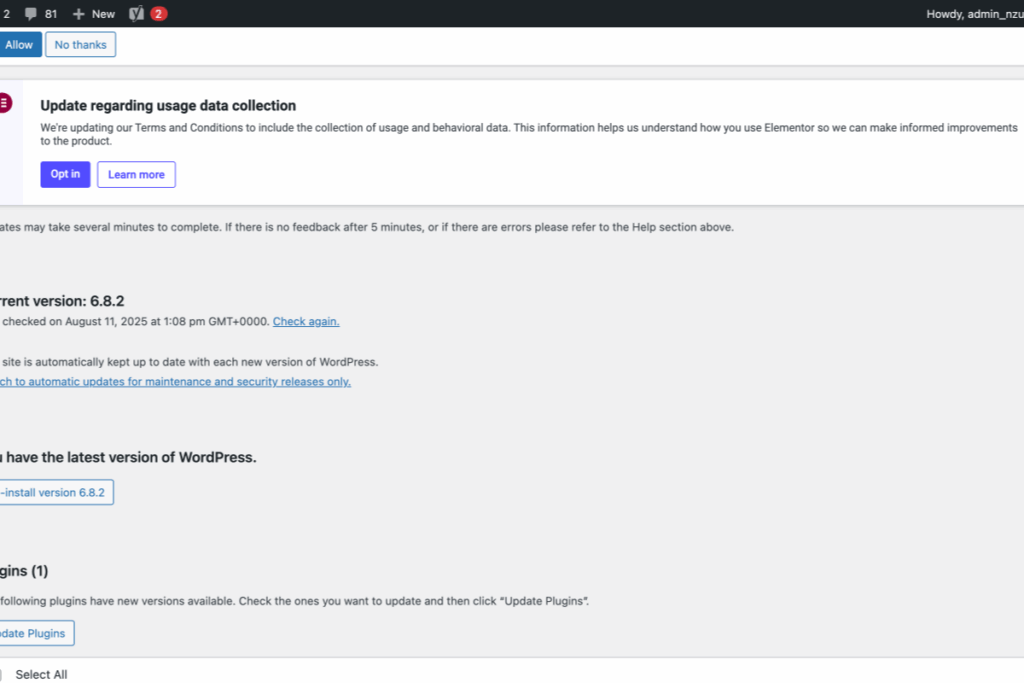
Click on “WordPress Updates Introducing weDocs Pro — a completely revamped weDocs with better user experienc…”
Tab Name: WordPress Updates ‹ Nzuza Architects — WordPress
4
Click here
5
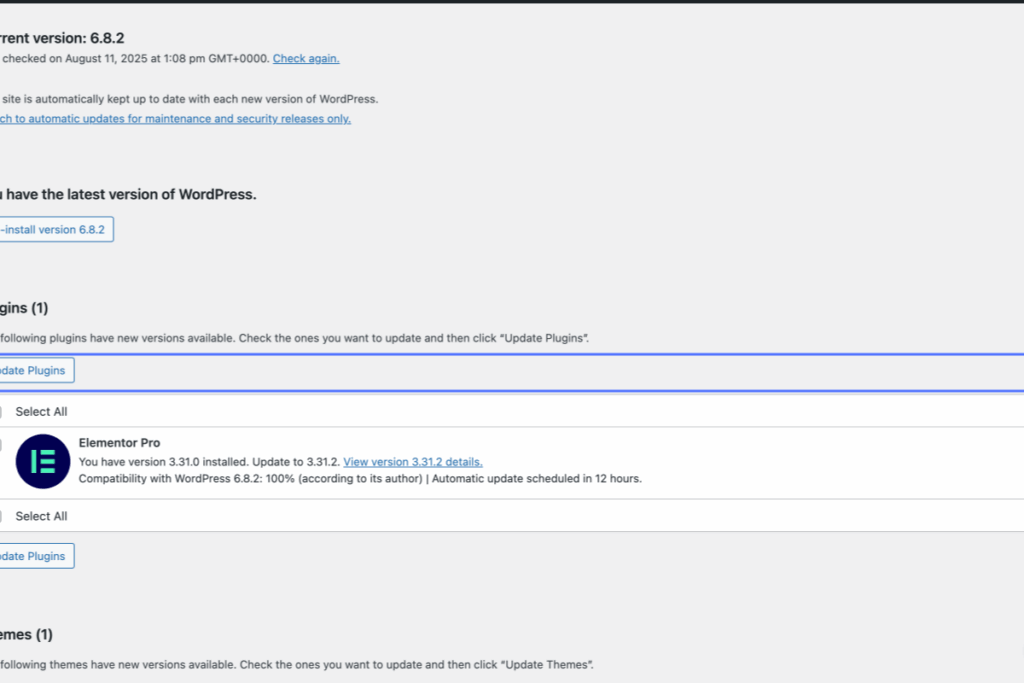
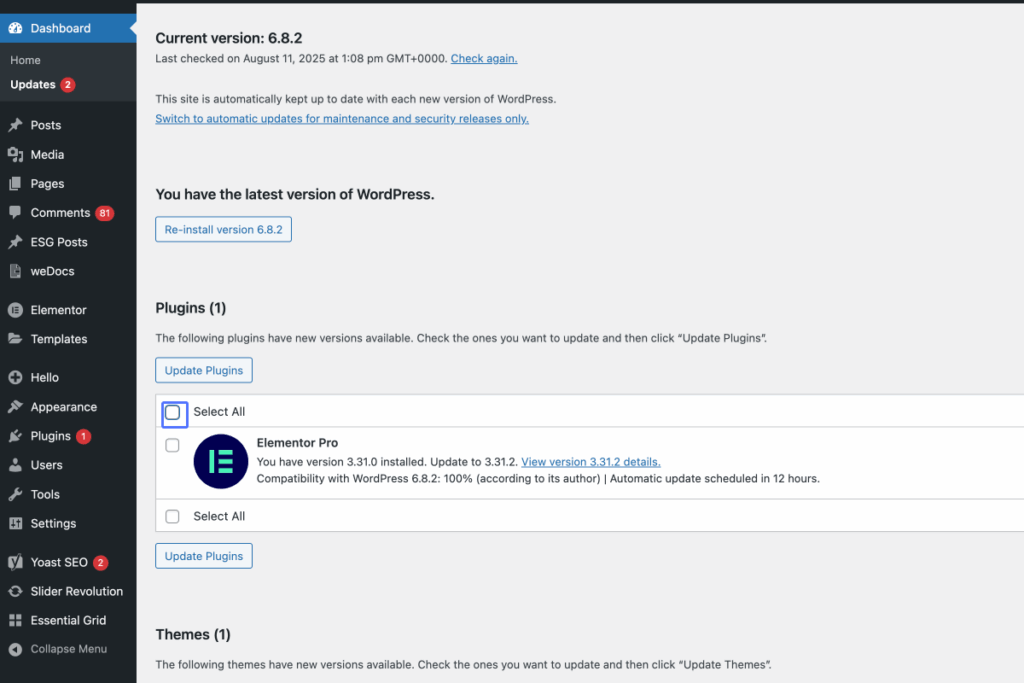
Click on the checkbox “Select All”
6
Click on the button “Update Plugins”