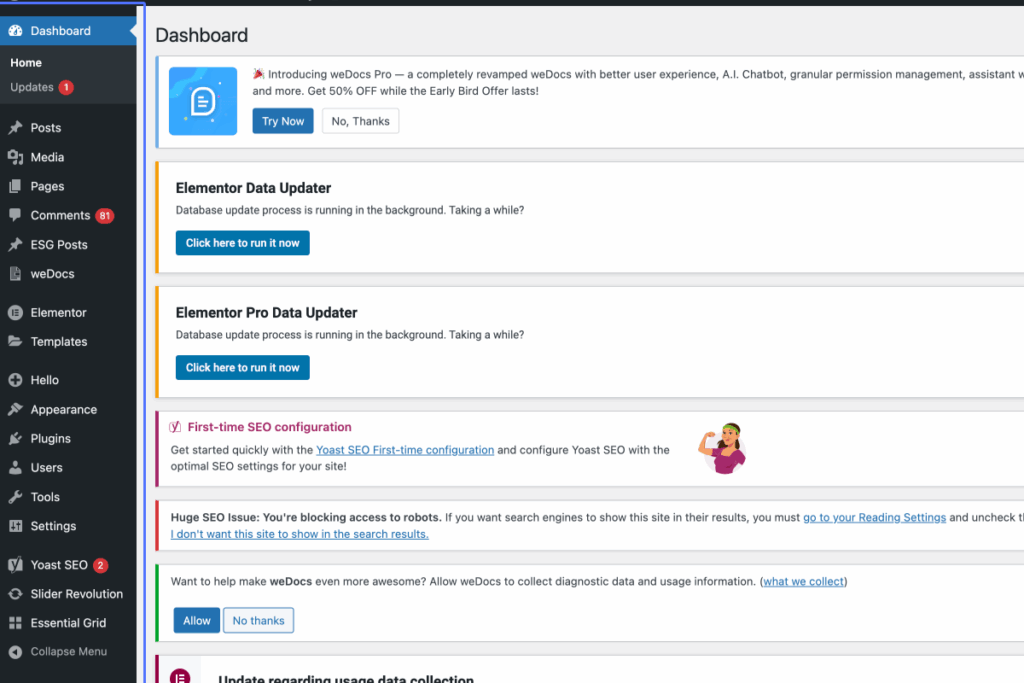
Click on “Dashboard Home Updates 1 Posts All Posts Add Post Categories Tags Media Library Add Media File …”
Start urlhttps://nzuzaarchitects.co.za/wp-admin/index.php
Tab Name: Dashboard ‹ Nzuza Architects — WordPress
2
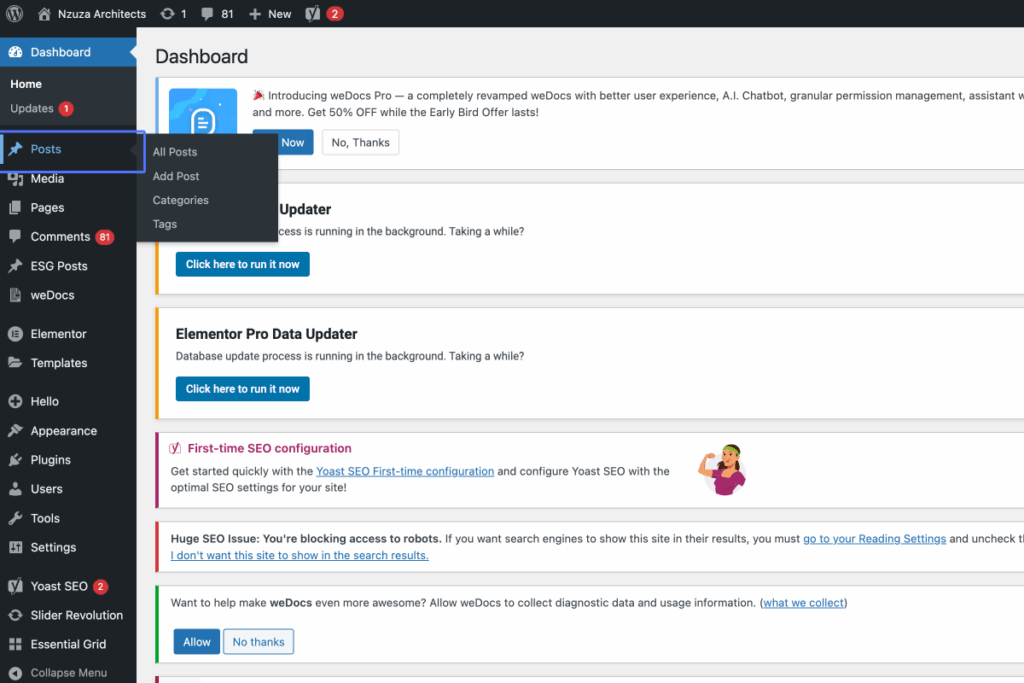
Click on the link “Posts”
3
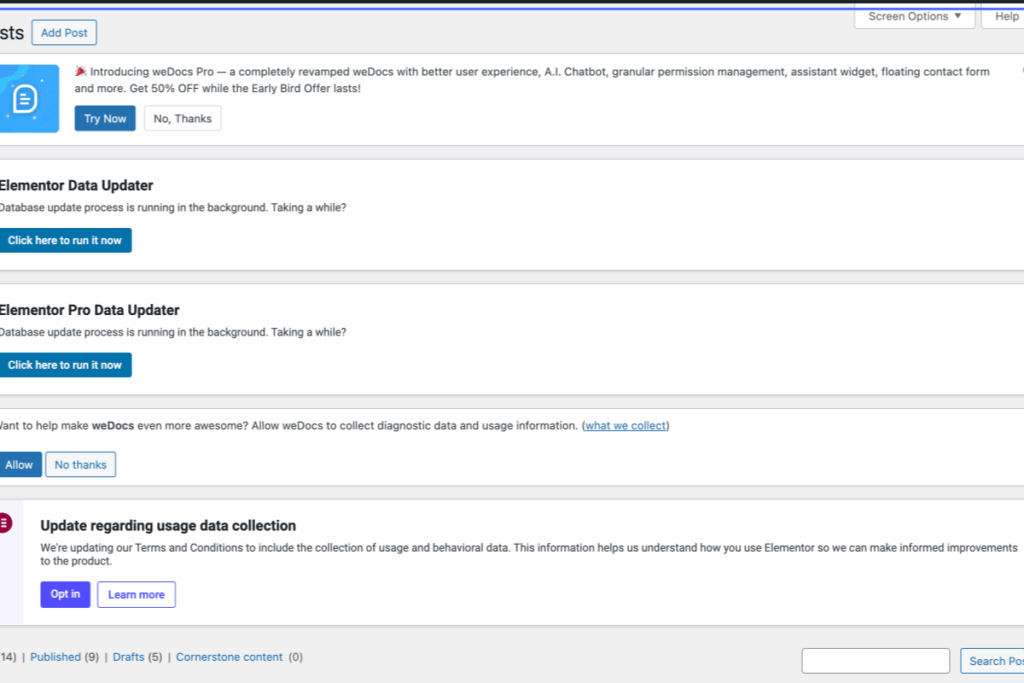
Click on “Posts Add Post Introducing weDocs Pro — a completely revamped weDocs with better user experience, …”
Tab Name: Posts ‹ Nzuza Architects — WordPress
4
Click on the link “Add Post”
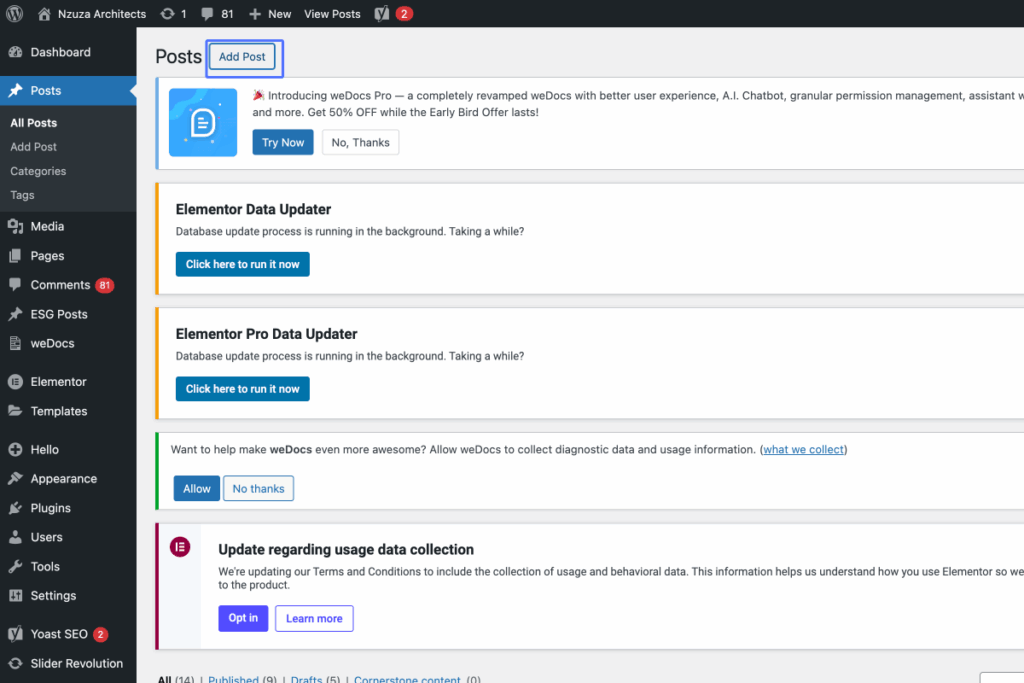
5
Click on “Test”
Tab Name: Add Post ‹ Nzuza Architects — WordPress
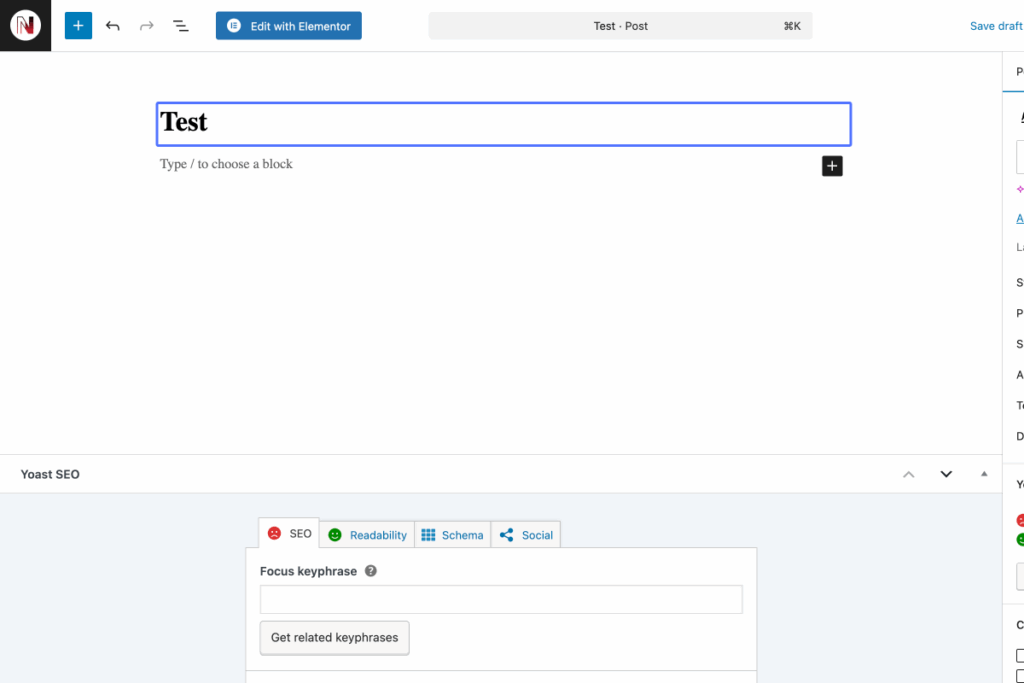
6
Click here
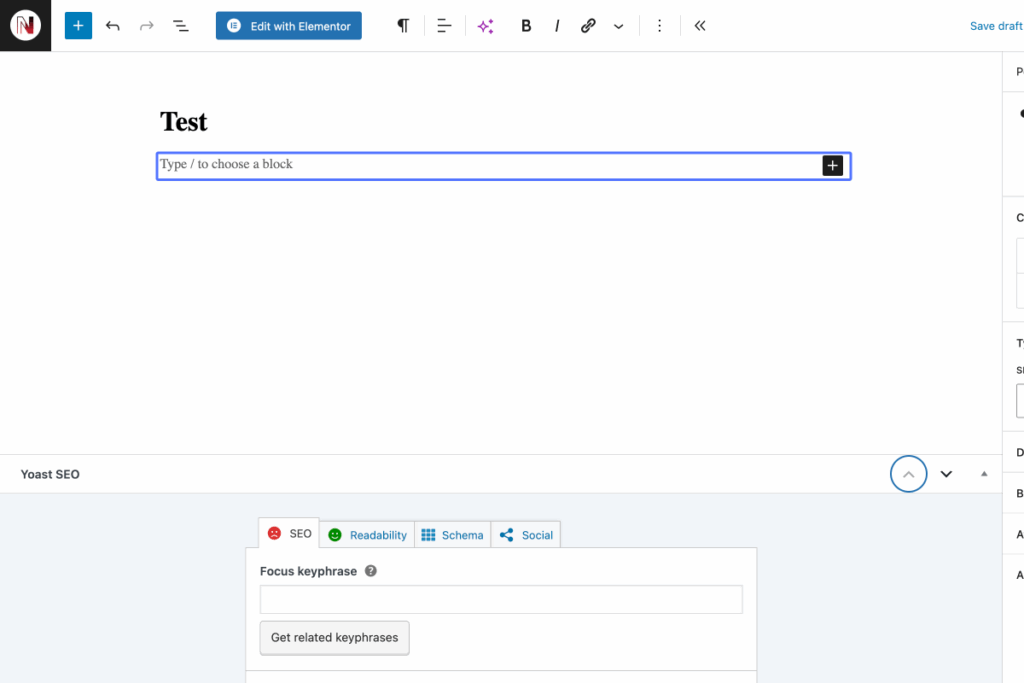
7
Click on “SEO Readability Schema Social Focus keyphrase Help on choosing the perfect focus keyphrase (Opens in…”
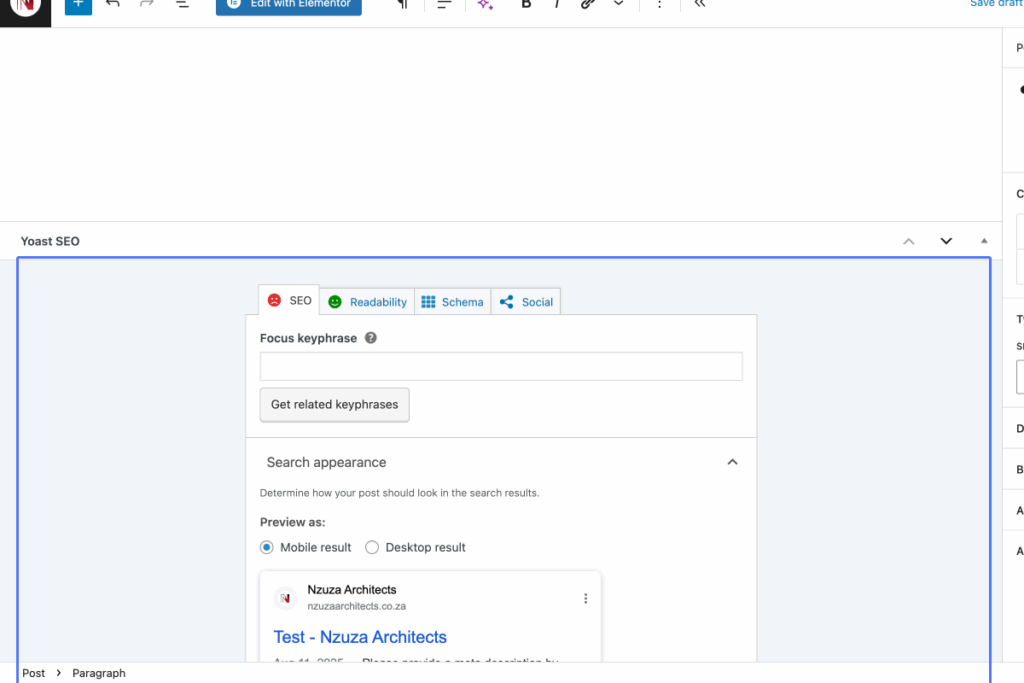
8
Click on “Focus keyphrase Help on choosing the perfect focus keyphrase (Opens in a new browser tab)”
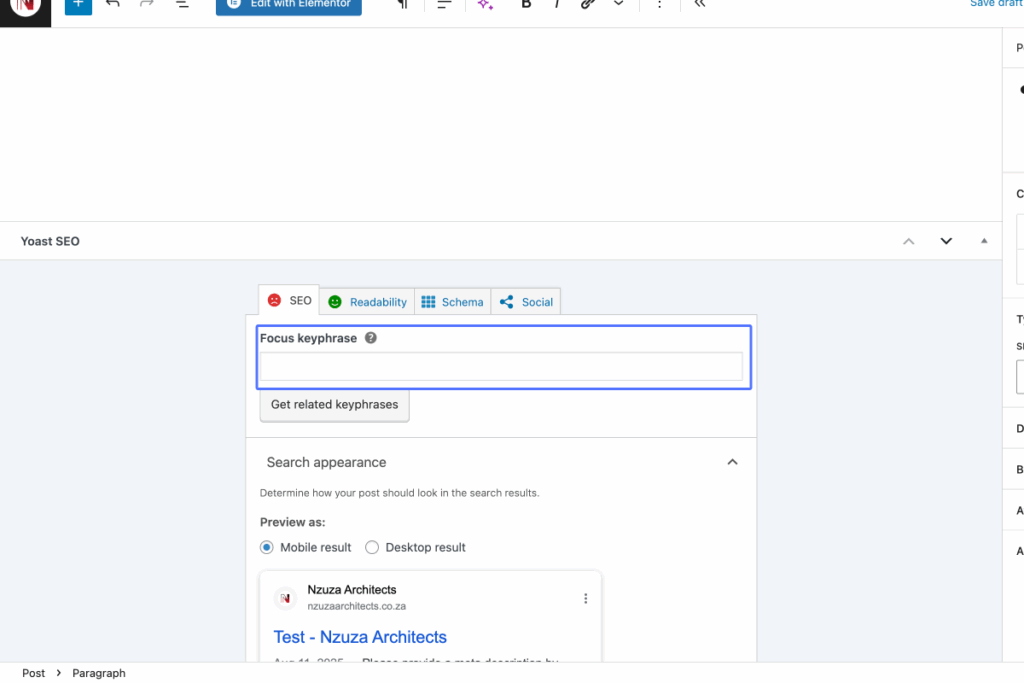
9
Click on “Title Page Separator Site title”
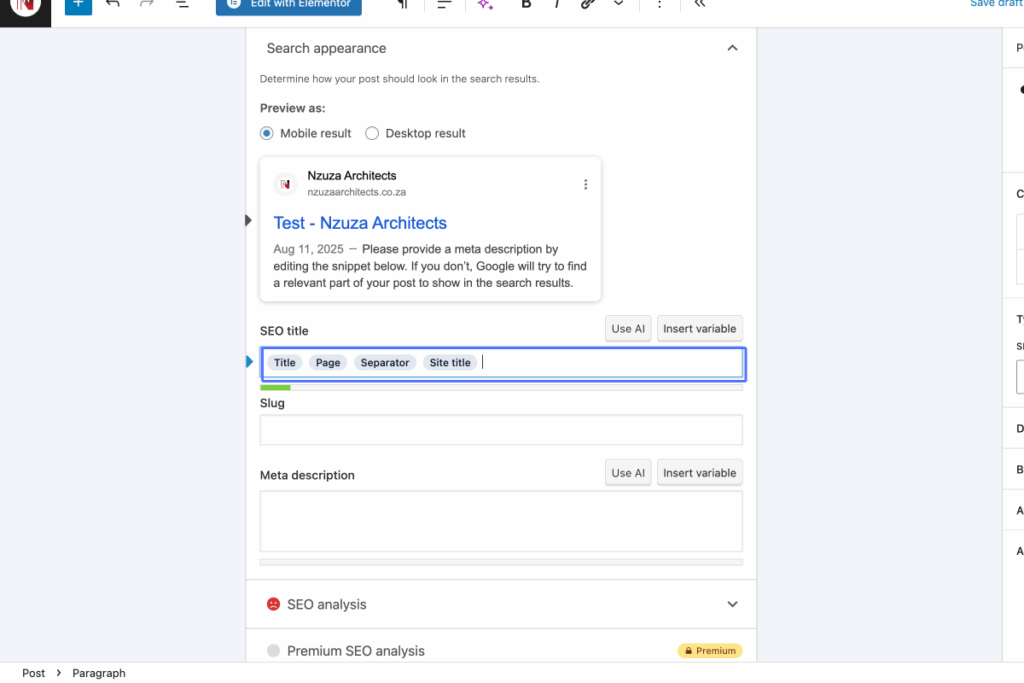
10
Click here
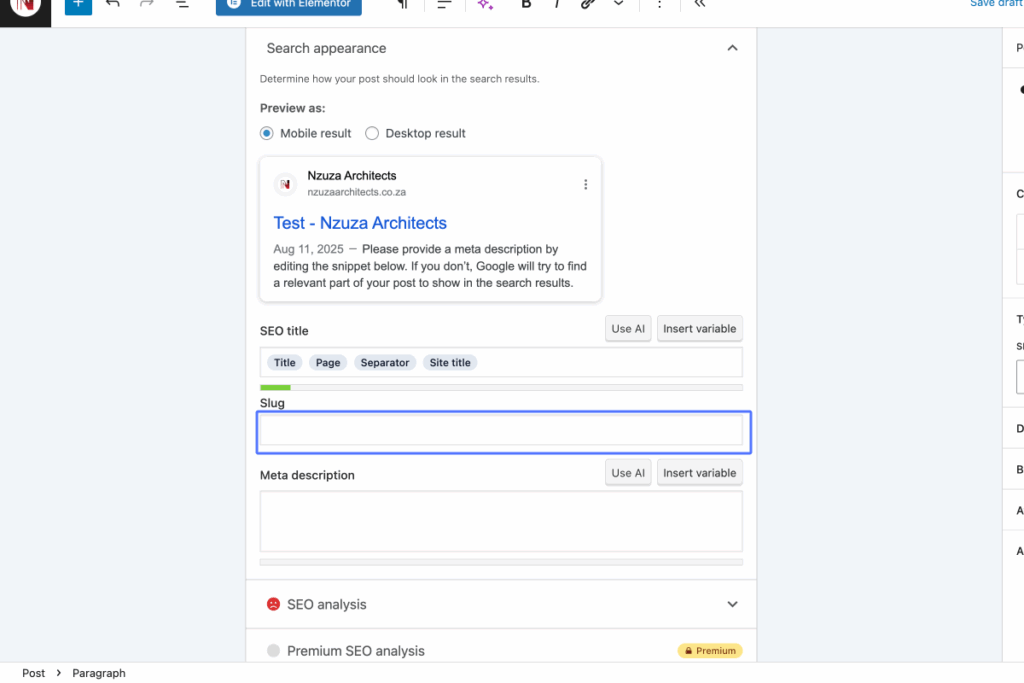
11
Click here
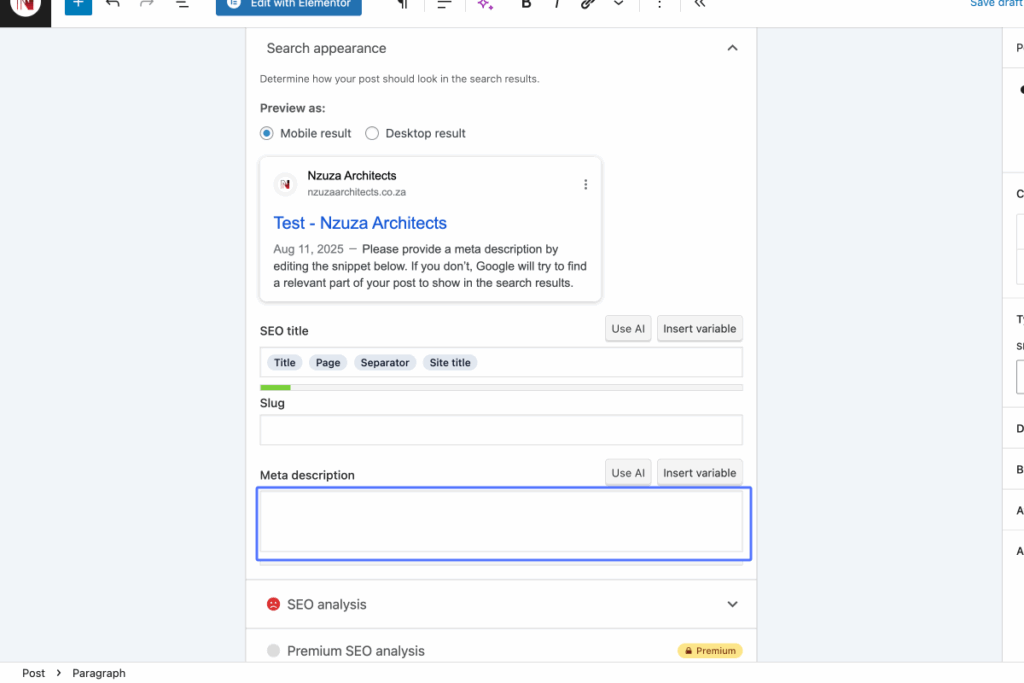
12
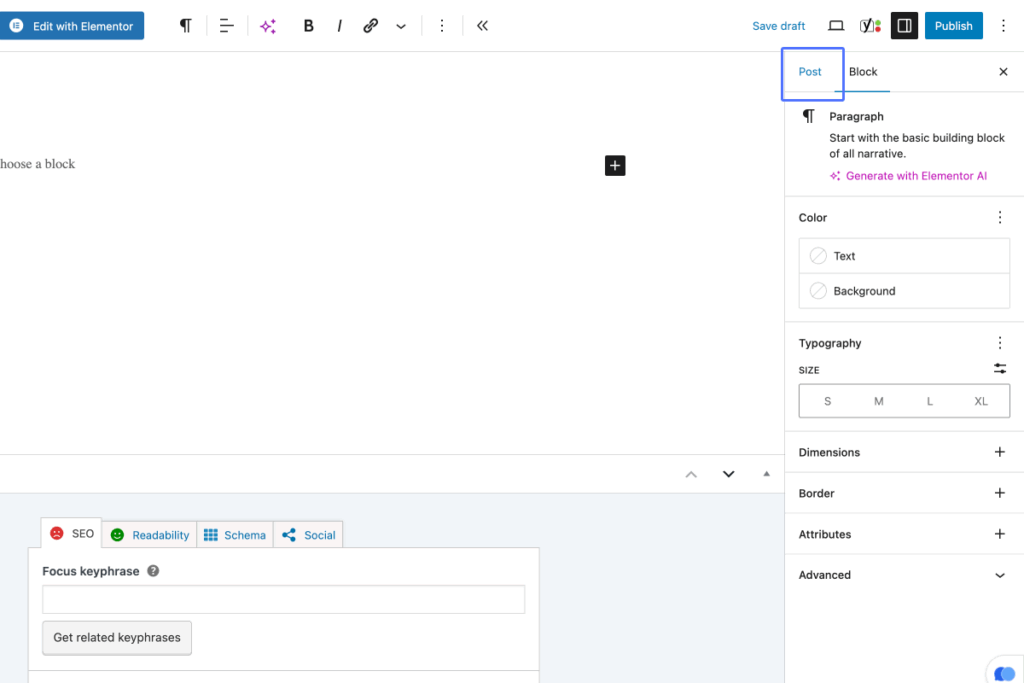
Click on the button “Post”
13
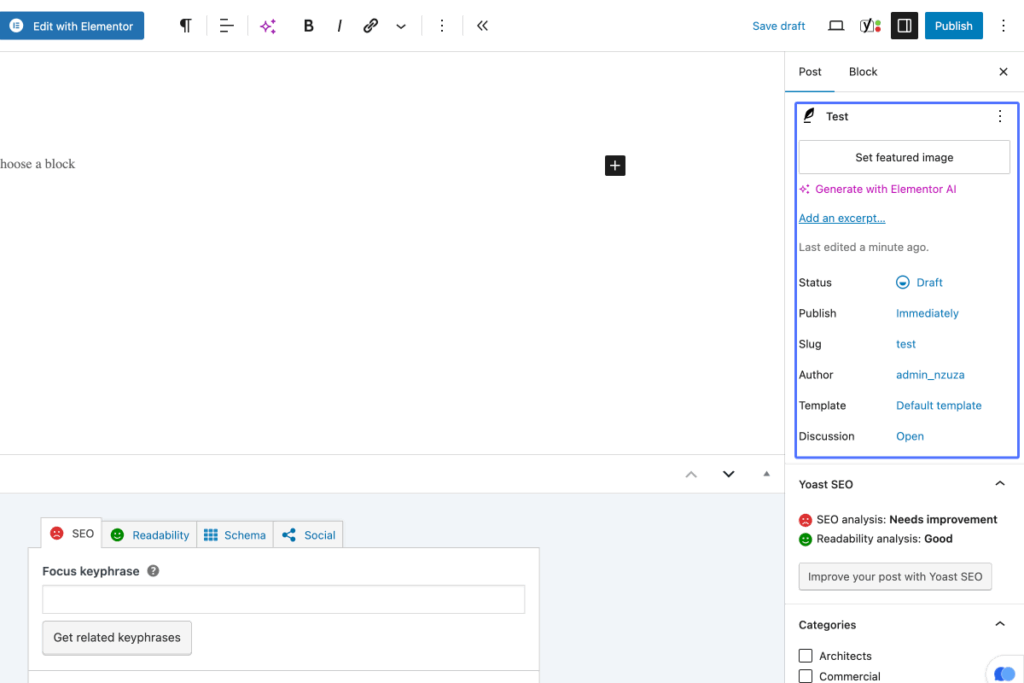
Click on “Test Set featured image Generate with Elementor AI Add an excerpt… Last edited a minute ago. Status …”
14
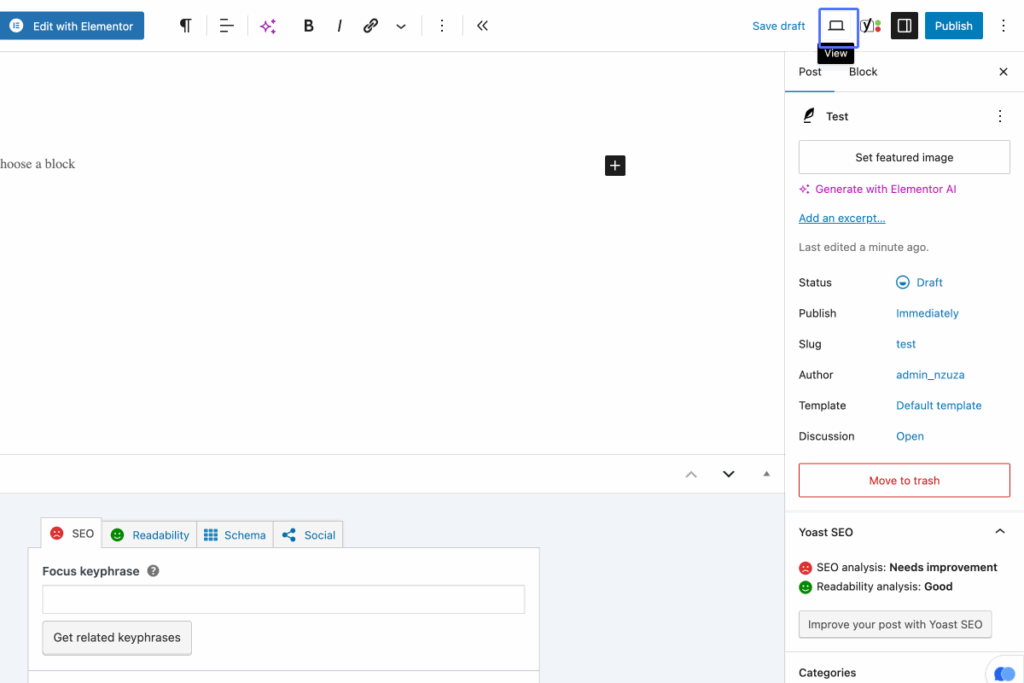
Click on the button “View”
15
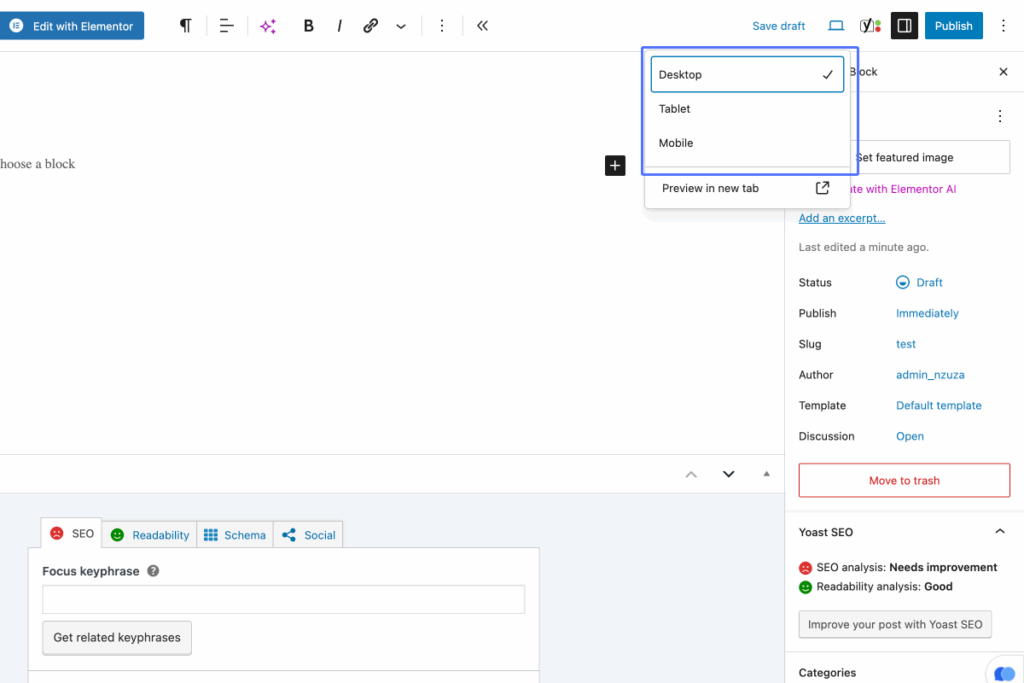
Click on “Desktop Tablet Mobile”
16
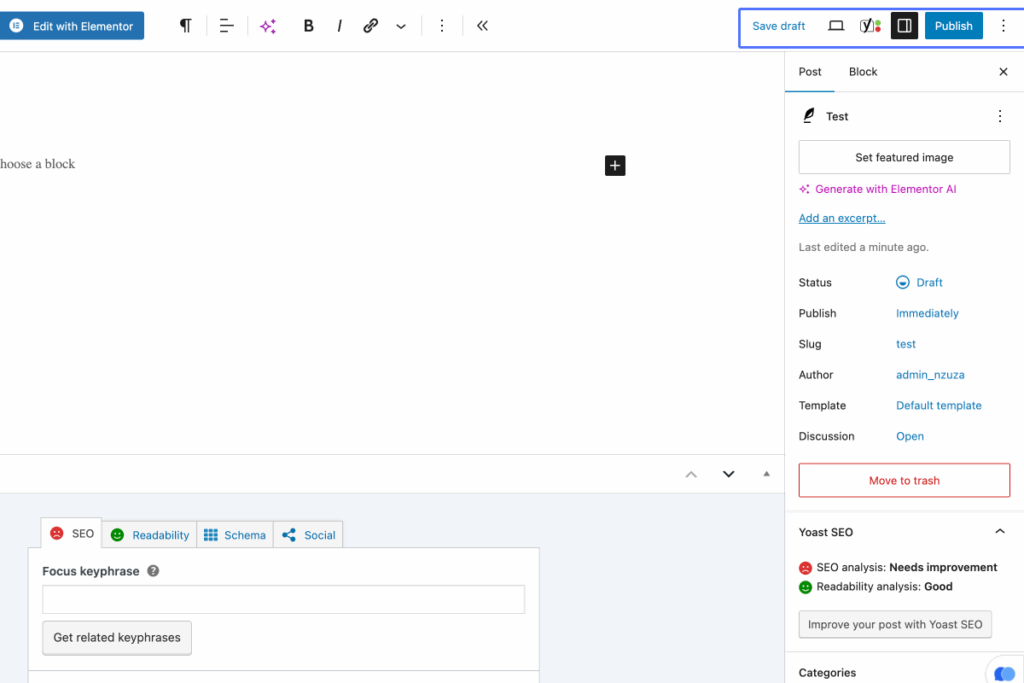
Click on “Save draft Publish”